
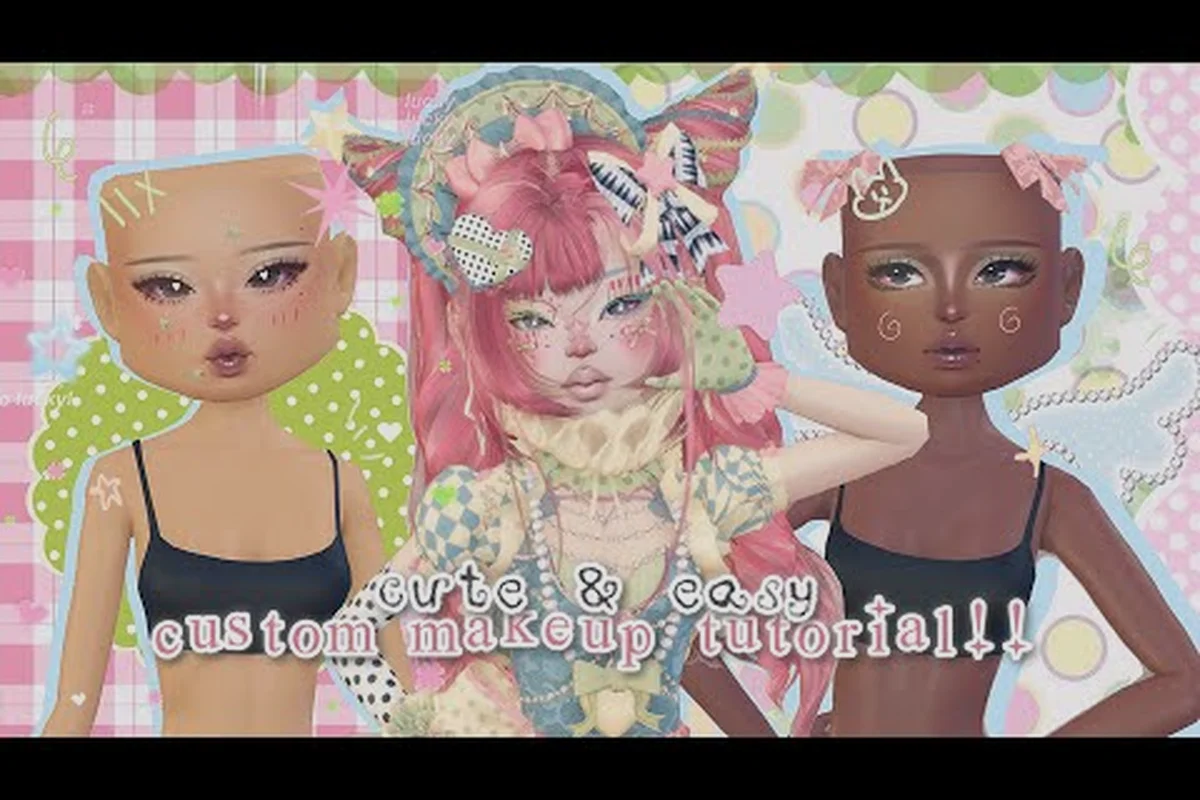
Nail art in Dress To Impress can swing a runway vote when two outfits look almost identical, and pairing those nails with the right hairstyle pushes a look from "fine" to "front row." This dress to impress nails guide covers the full polish workflow plus hair pairing, then walks through how to drop into Pro servers and private rooms so you can rehearse freely without pressure from competitive players grinding stars.
Nail Art Basics and the Polish Customization Menu
The nail customization screen sits inside the dressing room alongside makeup, tattoos, and accessories, and it offers several layers that most newcomers overlook. The base shape controls the silhouette (coffin, almond, stiletto, square, and short round), the length slider shifts from barely-there to dramatic floor-grazers, and the color block can be a single shade, a French tip, or a dual-tone split. Above those, a dedicated art layer applies patterns ranging from simple dots and stripes to hearts, flames, chrome overlays, and seasonal stickers.
Shape, Length, and Finish Options
Shape and length do more work than people expect because they affect how the pattern reads from the runway. Stiletto nails look striking on long flowing sleeves but get lost under chunky puffer jackets, while coffin shapes complement structured blazers and mini dresses. Community data suggests coffin and almond are the two most-voted shapes because they frame the fingertip without distracting from the outfit silhouette.
| Nail Shape | Best Paired Silhouette | Vibe in Voting |
|---|---|---|
| Coffin | Blazers, mini dresses, jumpsuits | Polished, modern |
| Almond | Flowy dresses, off-shoulder tops | Soft, romantic |
| Stiletto | Sleeve drama, bold prints | Edgy, high-fashion |
| Square | Casual streetwear, varsity looks | Clean, sporty |
| Short Round | Cozy sweaters, loungewear | Cute, approachable |
The finish toggle (matte, gloss, holographic, metallic) is where you add personality without changing the pattern. A matte black coffin with a tiny gold heart pops harder than the same art in gloss because the contrast forces the eye to read the design.
Pattern Layers and Sticker Placement
Each nail can carry a separate pattern slot, and the game lets you mirror, rotate, and scale the art. Beginners often apply a sticker full-size on every nail, which flattens the look. Players who climb the star ladder tend to use a hero nail (one accent nail with full art) and repeat a smaller motif across the others, which mimics real manicure trends and reads better on camera during the runway walk.
| Pattern Strategy | Visual Effect | When to Use |
|---|---|---|
| Hero nail + echo | Focal point, balanced | Theme-heavy themes (Y2K, fairy) |
| All-nails uniform | Cohesive, graphic | Streetwear or sporty themes |
| Gradient across fingers | Movement, soft | Beach, fantasy, or pastel themes |
| Negative space | Minimalist, chic | Luxury, CEO, red-carpet themes |
Pairing Nails With the Dress To Impress Hair Guide Workflow
Hair and nails compete for the same focal real estate, so they have to talk to each other. The hair customization panel shares the dressing room with the body sliders and accessories, and it includes base style, color blocks, highlights, and accessory slots. Treating hair and nails as a single styling unit, instead of two independent menus, is what separates mid-tier looks from podium finishes.
Color Coordination Across Hair and Nails
Color rules apply whether you go monochrome or contrast. Monochrome works when the hair and nails share the same hue family but the nail carries a pattern (chrome, glitter, French tip), while contrast works when both are bold solids (hot pink hair, jet black stilettos). The mistake to avoid is matching the exact same shade everywhere, because it reads flat on the runway under the lighting presets.
| Hair Color | Nail Pairing | Result on Runway |
|---|---|---|
| Pastel pink | White French tip | Soft, fairy-coded |
| Jet black | Chrome silver coffin | High-fashion, dramatic |
| Blonde | Nude almond with pearl art | Clean, editorial |
| Two-tone split (pink/black) | Black coffin with pink heart | Y2K, coordinated |
| Red | Deep burgundy stiletto | Bold, cohesive |
A useful trick from community testing: pull one accent color from your makeup palette and reuse it on the nails, which creates a triangle of color (hair, makeup, nails) that ties the whole look together. If you want a deeper walkthrough of the dressing room layer order, the pose and layering guide breaks down how each customization slot stacks visually on the runway.
Length, Volume, and Silhouette Balance
Hair length should balance nail length. Long flowing hair swallows short rounded nails, while a sharp pixie cut exposes every millimeter of a stiletto. Players aiming for the podium usually match the energy: voluminous curls pair with chunky coffin shapes, and sleek ponytails pair with minimal square or short round nails. When the two pull in opposite directions, voters tend to feel the look is unfinished even if every individual element is correct.
Understanding Dress To Impress Pro Servers
Pro servers are the competitive lobbies where the player pool has the highest average star count, which means votes are stricter and themes are interpreted more literally. Joining one for the first time without preparation is a fast way to drop stars, so think of them as a final exam rather than a practice round.
How Pro Server Queues Differ From Public Lobbies
Public lobbies match you with the full player base, including newcomers, so themes get loose interpretations and voters reward effort over precision. Pro servers filter toward experienced players, which raises the bar on theme accuracy, outfit cohesion, and runway posing. Community reports suggest average star counts in Pro lobbies sit roughly 30 to 50 percent higher than public matches, which is why one misjudged piece (wrong era, wrong formality level) can sink a look fast.
| Server Type | Average Player Skill | Theme Strictness | Best Use |
|---|---|---|---|
| Public | Mixed | Loose | Practice, casual play |
| Pro | High | Strict | Star grinding, podium practice |
| Private | Chosen by host | Variable | Rehearsal, theme drills |
Players chasing the rank unlock thresholds need Pro experience, but they also need a buffer of public-lobby confidence first. Most veterans recommend at least 200 to 500 public matches before queuing into Pro, because the voting feedback in those matches is what teaches the star system.
When to Queue Into Pro Servers
Pro servers reward players who already understand the star system and theme voting logic, so they are not the right place on day one. The smart path is to grind public matches first, save outfit presets that consistently score well, and only step into Pro once your baseline look wins at least 4 stars per category in public play. If you are still learning how voters actually pick winners, the voting and podium breakdown explains how the runway scoring works under the hood.
The Dress To Impress Private Server Guide for Practice
Private servers are the rehearsal space. They let you invite specific friends, lock the theme, and iterate on a look without burning rank in a public match. For nail and hair experiments especially, private rooms are where you should test whether a chrome overlay reads on camera or whether a hair color clashes with a dress pattern.
Setting Up a Private Server
Setting up a private room is straightforward once you know where the option lives. From the main menu, open the server browser, switch the tab to private, and either generate a fresh room code or paste one shared by a friend. The host controls the theme, the timer length, and whether voting happens at all, which means you can run a full dress-to-impress how to join a server rehearsal loop without any public pressure.
| Step | Action | Tip |
|---|---|---|
| 1 | Open server browser | Look for the private tab |
| 2 | Generate or paste code | Codes are short, case-sensitive |
| 3 | Pick theme and timer | Use longer timers for nail experiments |
| 4 | Invite friends | Share the code outside the game |
| 5 | Toggle voting off for pure practice | Useful for screen-grab screenshots |
A common drill is to set the theme to something broad (like "beach" or "Y2K"), turn voting off, and rotate through ten different nail patterns to see which reads best on the runway walk. That kind of free iteration is the single biggest advantage of private rooms, and it is also the safest way to test new combinations before spending stars on them in public.
Using Private Servers for Theme Drills
Theme drills in private rooms are how serious players build a library of go-to looks. Pick a single theme, set a 5-minute timer, and force yourself to build a full outfit including nails and hair from scratch. Repeat for ten themes in a row, and you will start to notice which nail shapes and hair colors repeat as your strongest pairings, which is a faster feedback loop than waiting for public votes.
Dress To Impress How to Join a Server Step by Step
The dress to impress how to join a server flow is the same whether you are heading to a public lobby, a Pro match, or a private room, so learning it once unlocks all three.
Joining From the Server Browser
Open the main menu, click the server browser, and you will see three tabs: Public, Pro, and Private. Public auto-matches you into the next open lobby, Pro shows a queue estimate, and Private asks for a code. Pick the tab that matches your goal, confirm, and the game drops you into the dressing room countdown. The whole flow takes under a minute once you have done it a few times, which is why veterans can rotate between server types without breaking their warm-up routine.
| Tab | Who It Is For | What You Need |
|---|---|---|
| Public | All players | Nothing, auto-match |
| Pro | Experienced players | Comfortable with theme voting |
| Private | Friends, practice groups | A room code from the host |
If you are brand new and the interface feels confusing, the beginner walkthrough covers the full first-time flow from character creation to your first runway vote, which makes the server browser much less intimidating.
Common Server Join Issues and Fixes
Most join failures come from three sources: an expired private code, a Pro queue timeout, or a platform-side network hiccup. Private codes rotate when the host leaves, so always ask for a fresh one if the screen kicks you back to the menu. Pro queues can stall during peak hours, and the only fix is to back out and re-queue after a minute. Network drops usually clear on their own within a few seconds, but switching from Wi-Fi to mobile data (or vice versa) is a reliable fallback reported by players on console.
Pro Tips: Building a Nail and Hair Library That Wins Votes
The fastest way to improve on the runway is to stop improvising every match and start saving the combinations that already work. Treat your saved outfits as a library, not a single look, because theme variety matters more than any one perfect fit.
Save Outfits by Theme Family, Not Single Look
Save your best combinations grouped by theme family (gothic, fairy, CEO, sporty, fantasy, beach, Y2K) rather than as one-off outfits. When a public match drops a theme, you want a preset ready that fits the family rather than scrapping a look from scratch. Community testing suggests players with at least five presets per family climb the star ladder noticeably faster than players who freestyle every match.
| Theme Family | Nail Default | Hair Default | Why It Works |
|---|---|---|---|
| Gothic | Black stiletto, chrome overlay | Long black waves | Cohesive dark palette |
| Fairy | Pastel coffin, pearl art | Loose pastel curls | Soft, romantic |
| CEO | Nude square, minimal logo | Sleek low bun | Clean, authoritative |
| Sporty | Short round, team color accent | Ponytail or visor | Functional, on-theme |
| Y2K | Two-tone coffin, butterfly art | Half-up pink/black | Era-accurate kitsch |
The hair customization side of this library deserves its own attention, and the dress to impress hair guide (note: that slug covers cross-platform outfit saving, which is where you actually store these presets) shows how to keep your presets accessible across devices.
Iterate in Private, Validate in Public, Climb in Pro
The rhythm that experienced players settle into is a three-step loop. First, build or test a new combination in a private server with voting off. Second, drop it into a public match and read the star feedback category by category. Third, once it consistently hits 4+ stars per category in public, queue into a Pro server with the same preset. This loop keeps your star count safe while still letting you push new ideas, and it is the cleanest way to learn what voters actually reward without burning rank on every experiment.
Frequently Asked Questions
What nail shape gets the most votes in Dress To Impress?
Community voting data suggests coffin and almond shapes collect the most consistent 4 and 5 star votes because they frame the fingertip without overwhelming the outfit silhouette. Stiletto shapes score very high on dramatic themes but lose points on casual or cozy themes, so the "best" shape depends on the round's theme.
Should my nail color match my hair color exactly?
Matching the exact same shade everywhere usually reads flat on the runway. Players who score well tend to share a color family between hair and nails, then add a single contrasting accent (a chrome tip, a small heart sticker, a French line) to break the uniformity and create a focal point.
How do I unlock access to Pro servers?
Pro servers are not locked behind a hard rank gate, but community testing indicates they are populated by higher-star players, so the matchmaking tends to feel much harder. New players can join the queue right away, although most veterans recommend building at least 200 public matches of experience first to avoid losing stars.
Can I practice nail art without spending stars?
Yes. Set up a private server, toggle voting off, and use the dressing room freely. The full nail customization menu is unlocked in private rooms, so you can experiment with shapes, patterns, and finishes without affecting your rank at all. This is also the safest place to test brand-new combinations before taking them into a public match.
How long does a typical private server rehearsal take?
Most players run 10 to 30 minute drills, depending on the goal. A quick nail-and-hair color test takes about 5 minutes per theme, while a full outfit-build drill with a 5 minute timer runs closer to 30 minutes for a full rotation of themes.