
Makeup
Custom Makeup tutorial for Dress To Impress: layer eyes, lashes, brows, blush, freckles and lips, craft one-of-a-kind faces and save presets that slay on any theme.
Introduction
The Makeup category turns your avatar’s face into a canvas. With the Custom Makeup gamepass you build faces piece by piece instead of picking a preset: choose a base, then layer eye shapes, lashes, eyebrows, blush, freckles, lipstick and more, adjusting sliders until you get exactly the look you want. This section explains the full editor, teaches layering order and slider tricks, and shares popular face combos that the community uses for cute, glam, gothic and fantasy looks. Makeup is one of the highest-impact styling tools in Dress To Impress because the face is the most visible part of any outfit during the runway, and a distinctive custom face makes your fit memorable long after the round ends.
Custom Makeup Recipe Table
| Layer | Purpose | Tip |
|---|---|---|
| Base Face | Skin and shape | Match your skin tone |
| Eyes | Shape and expression | Pick one eye shape family |
| Lashes | Volume and drama | Layer short + long |
| Brows | Frame the face | Keep brows natural |
| Blush / Freckles | Softness | Low opacity reads cute |
| Lips | Finish the face | Match lip to outfit |
Face Recipe Cards
Base Face
The starting layer that sets skin tone, face shape and balance before any detail goes on top.
Eyes + Lashes
The heart of custom makeup: eye shapes, colors and layered lashes define the face’s entire mood.
Brows
Eyebrows frame the whole face and soften or sharpen any custom makeup you build.
Blush + Freckles
Small soft touches that make faces feel alive, cute or character-driven instead of flat and plastic.
Lips
The finishing layer: lipstick shades and lip shapes complete the facial expression your outfit needs.
Saved Presets
Store complete faces as presets so a perfect custom look is one tap away in every future round.
Core Mechanics
The Custom Makeup editor opens from the makeup station in the dressing room. You begin with a base face preset, then add layers in any order: eyes, lashes, brows, blush, freckles and lips. Each layer has its own color choices and sliders that control size, position and intensity. The face updates live while you adjust, so you can iterate quickly. When you are happy, save the face as a preset, and future rounds let you pick it from the saved list instantly. Faces are part of your outfit, so you can pair makeup with different clothing combinations freely. Without the gamepass, you can only choose from the default preset faces; the editor is the paid upgrade that unlocks this creative layer.
Advantages
Custom Makeup gives you the single most reusable asset in Dress To Impress: a face. Presets persist across rounds, so one excellent face saves you minutes of styling time every future round while keeping your look distinctive. The editor also enables facial storytelling — gothic looks get harsh brows, fairy fits get glowy blush, baddie fits get bold lips — which makes your outfit read as a character instead of a costume. Because faces are the most visible part of the runway walk, a custom face is a repeatable advantage over preset-only players. The layer system also teaches transferable design skills: you learn color matching, intensity balance and proportion control that apply to every part of styling.
Challenges
The main barrier is the gamepass cost; without Custom Makeup you cannot use the editor at all, and preset faces are the only option. The editor also has a learning curve — sliders control subtle proportions, and new users often create uncanny faces before they learn the balance. Layer limits vary by update and device, and mobile users may find the sliders fiddly compared to PC. Finally, face presets still need to match the outfit: a glam face can feel wrong on a cozy theme, so you must build and save several looks rather than relying on one. The skill is worth it for frequent players but has a real upfront investment of Robux and practice time.
Frequently Asked Questions
How do I get Custom Makeup in Dress To Impress?+
What is the best custom makeup face combo?+
Can I save multiple makeup looks?+
Does makeup need to match the theme?+
Quick Tips
Build your faces in the same order every time: base, eyes, lashes, brows, blush, freckles, lips. A fixed order keeps proportions consistent and prevents you from discovering that an earlier layer clashes with your final vision. Treat it like a recipe and you will finish faces in half the time. Clean up unused presets after each season so your saved list stays fast and matches the current theme meta.
Master the two-lash rule. One short lash and one long lash per eye create depth and an open, awake look, while a single lash type often looks flat from the runway distance. This single trick upgrades almost every face you build and is the most common tip shared by top stylists. Clean up unused presets after each season so your saved list stays fast and matches the current theme meta.
Match eye color to your outfit palette, not your hair. If you style a blue-themed fit, try blue-tinted eyes even briefly; bright eye color is the fastest way to make a custom face read as intentional and coordinated with the clothing you are wearing. Clean up unused presets after each season so your saved list stays fast and matches the current theme meta.
Use the neutral preset as your safety net. Keep at least one saved face that is simple, soft and matches most themes. When the timer is low or the theme is unclear, applying the neutral face beats fumbling with a dramatic preset that may clash. Speed beats perfection on unfamiliar rounds. Clean up unused presets after each season so your saved list stays fast and matches the current theme meta.
Recreate one community combo per week. Popular face combos are time-tested, so each one teaches a transferable pattern: which eye shape pairs with which lash, or how much blush feels right. After a month of recreating four combos, you will have internalized enough to design original faces confidently. Clean up unused presets after each season so your saved list stays fast and matches the current theme meta.
Featured
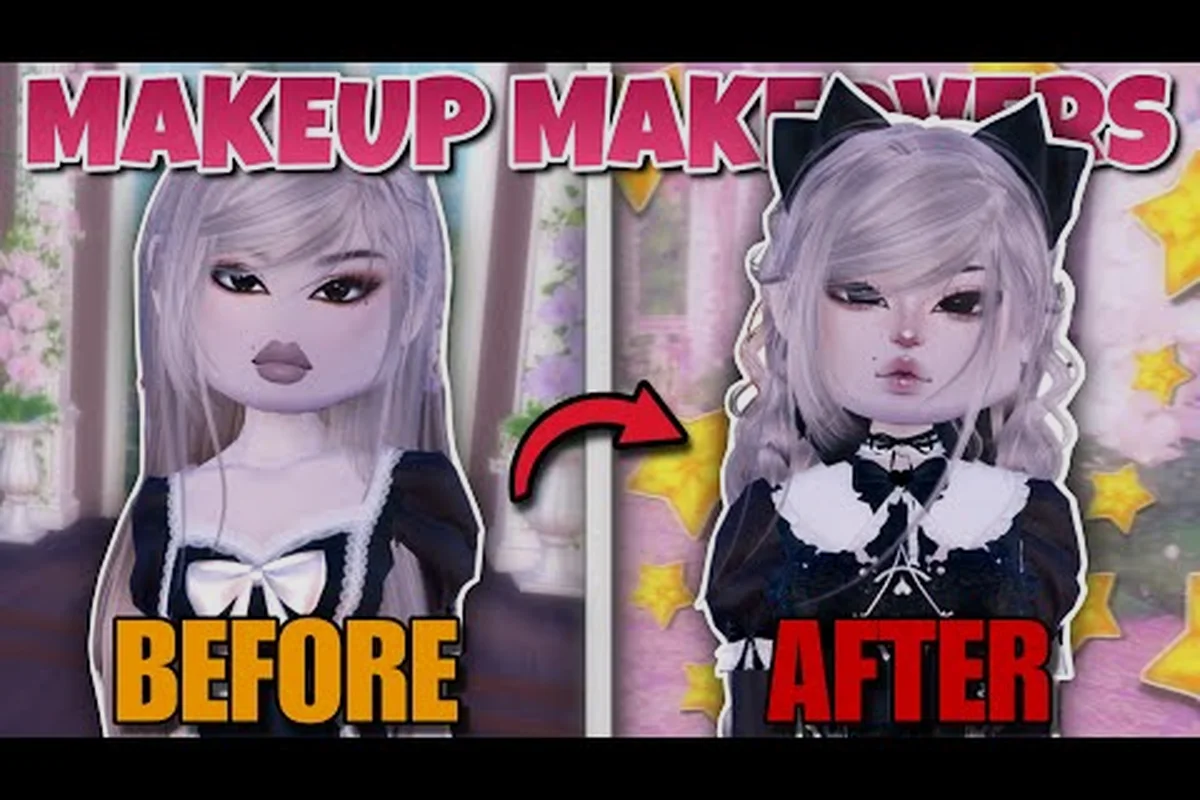
Dress To Impress Layered Makeup: Sliders, Pieces & Skin Tones
Master Dress To Impress layered makeup with slider tweaks, stacked makeup pieces, and tone-matched looks for both dark and light skin avatars.
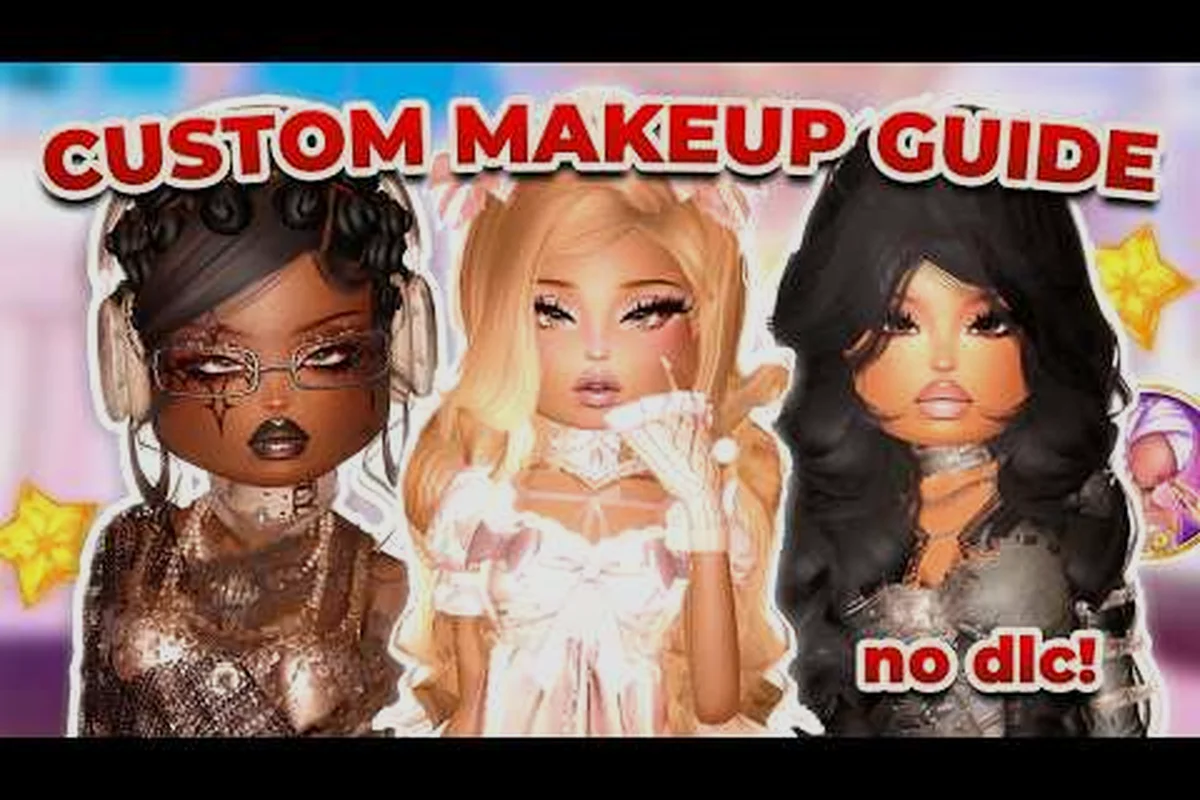
Dress To Impress Makeup Code: Looks, Faces & Eye Combos
Find every Dress To Impress makeup code, the custom face looks it unlocks, and how to layer eye makeup for a runway-ready finish.
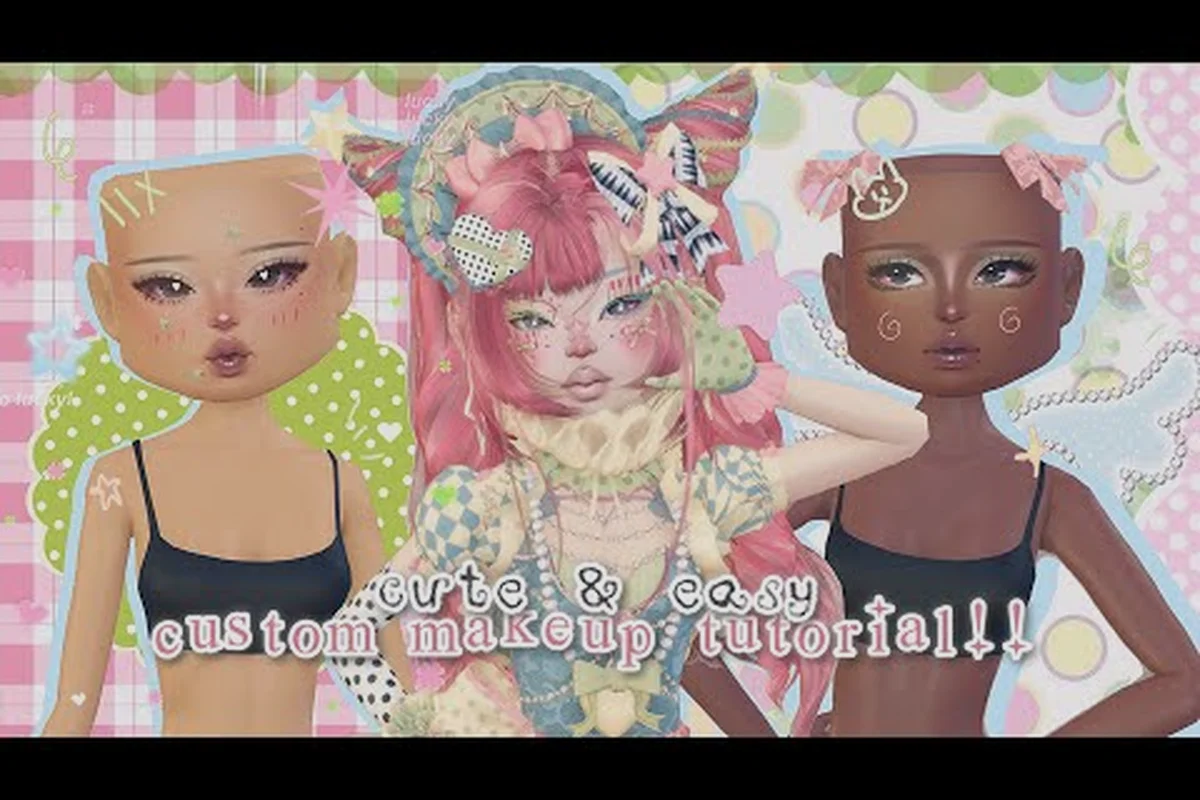
Dress To Impress Makeup Codes 2026: Fresh Faces & Free Looks
Grab every active Dress To Impress makeup codes 2026 drop, from freckles and blush presets to lipstick combos, and unlock new looks without spending Robux.
All Articles
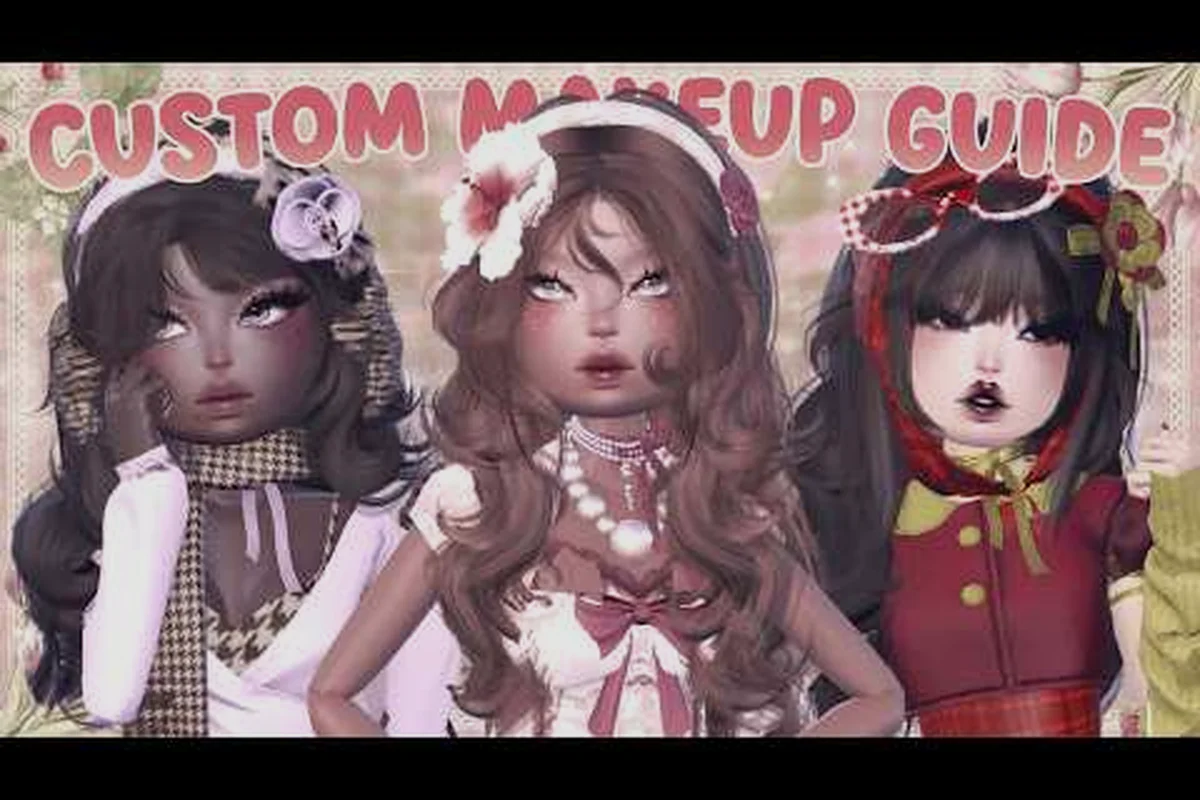
Dress To Impress Custom Makeup Tutorial: Faces, Combos & Presets
Follow this Dress To Impress custom makeup tutorial to build cute face combos, save makeup presets, and layer looks that complete any runway outfit.
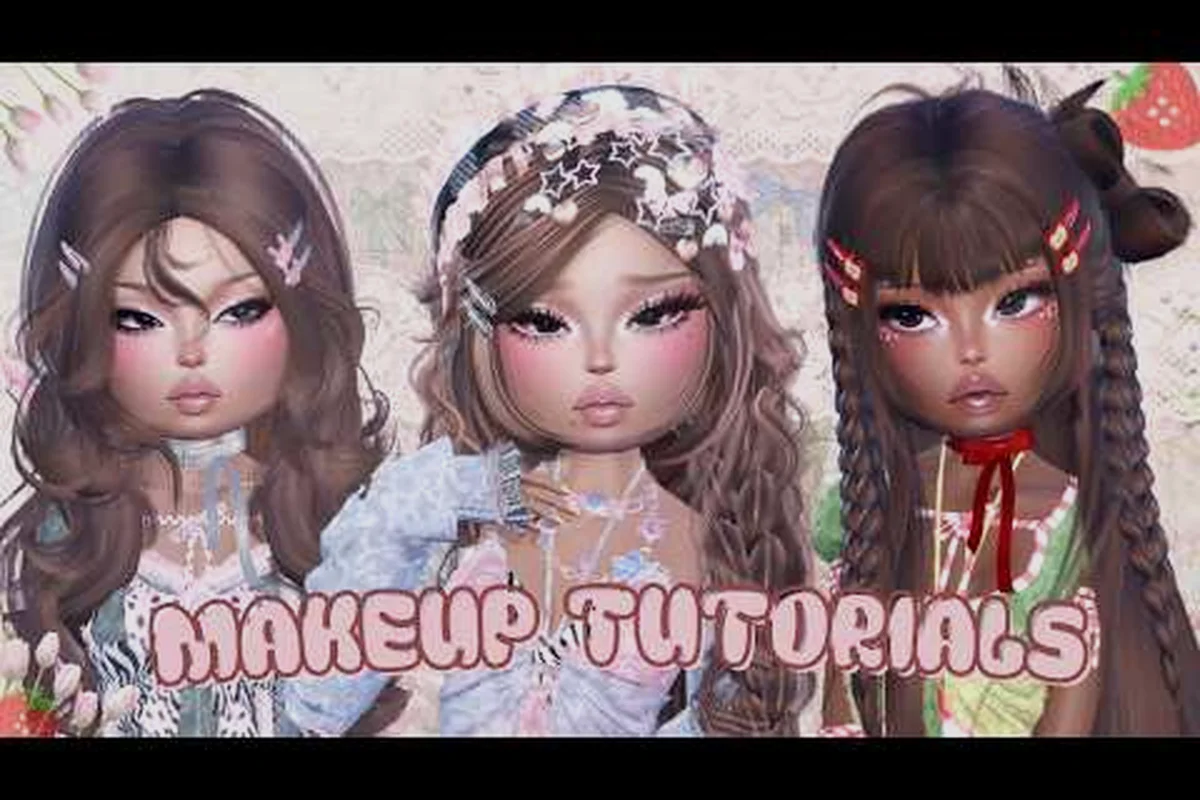
Dress To Impress Kawaii Makeup: Alt Combos, Hacks & Presets
Dial in Dress To Impress kawaii makeup with alt beauty hacks, the cutest preset combos, and how to save looks that fit every pastel runway round.
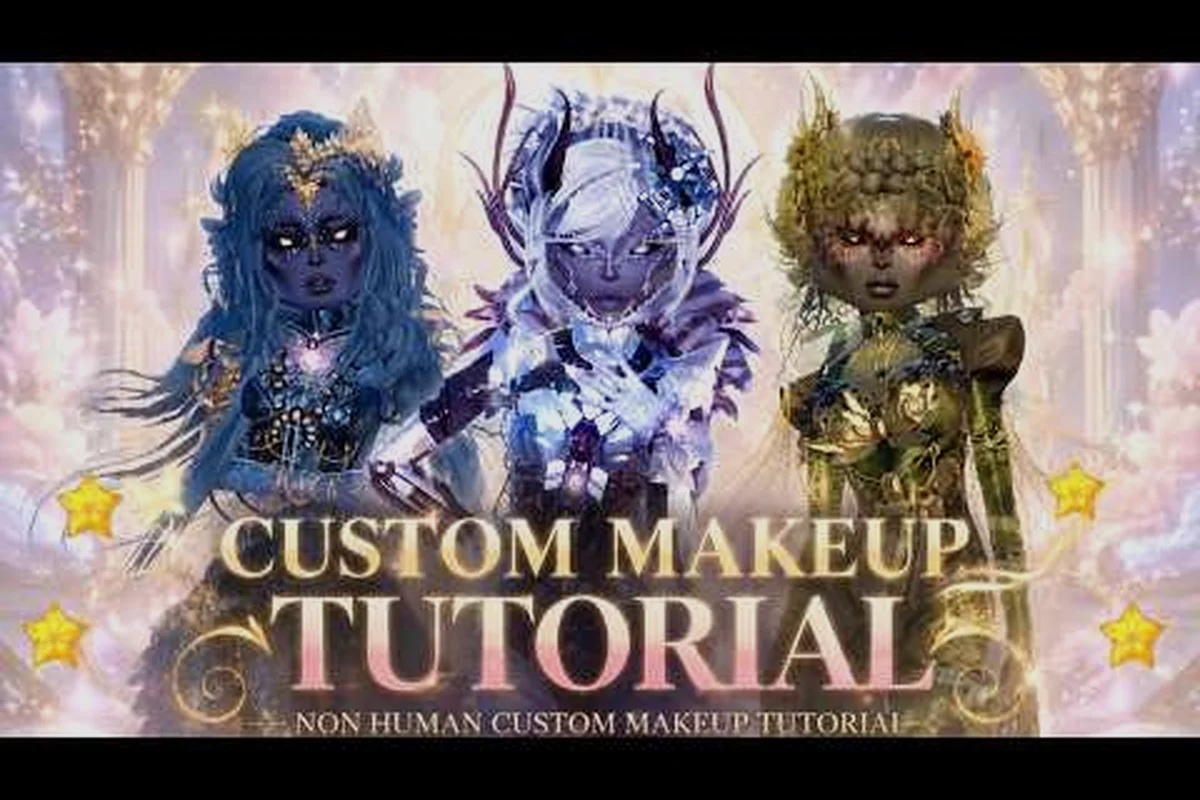
Dress To Impress Natural Makeup: Soft, Glam & Fantasy Looks
Explore Dress To Impress natural makeup ranging from soft glam to gothic and fantasy face looks, with tips that work for clown and everyday rounds.
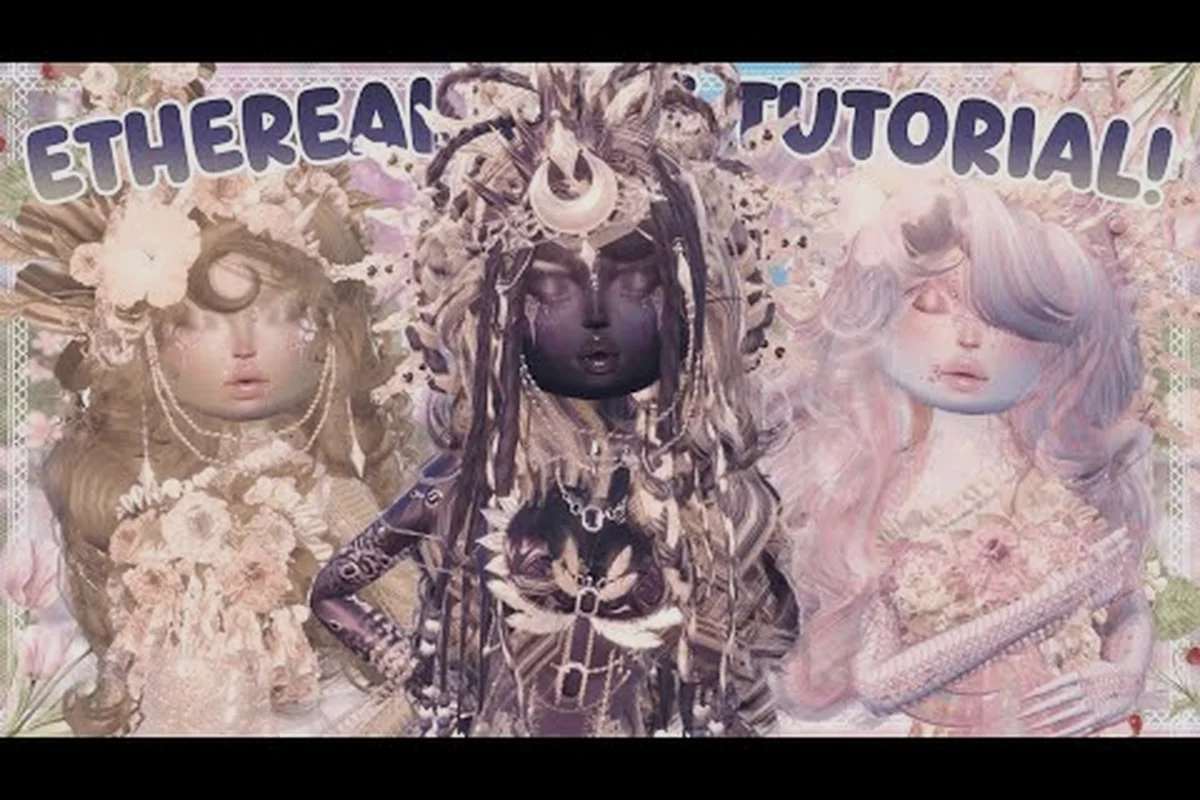
Dress To Impress Colored Eyeshadow: Bold Palettes & Lash Tips
Master Dress To Impress colored eyeshadow looks with default face presets, lash swaps, and free makeup combos that shine even without the custom gamepass.