
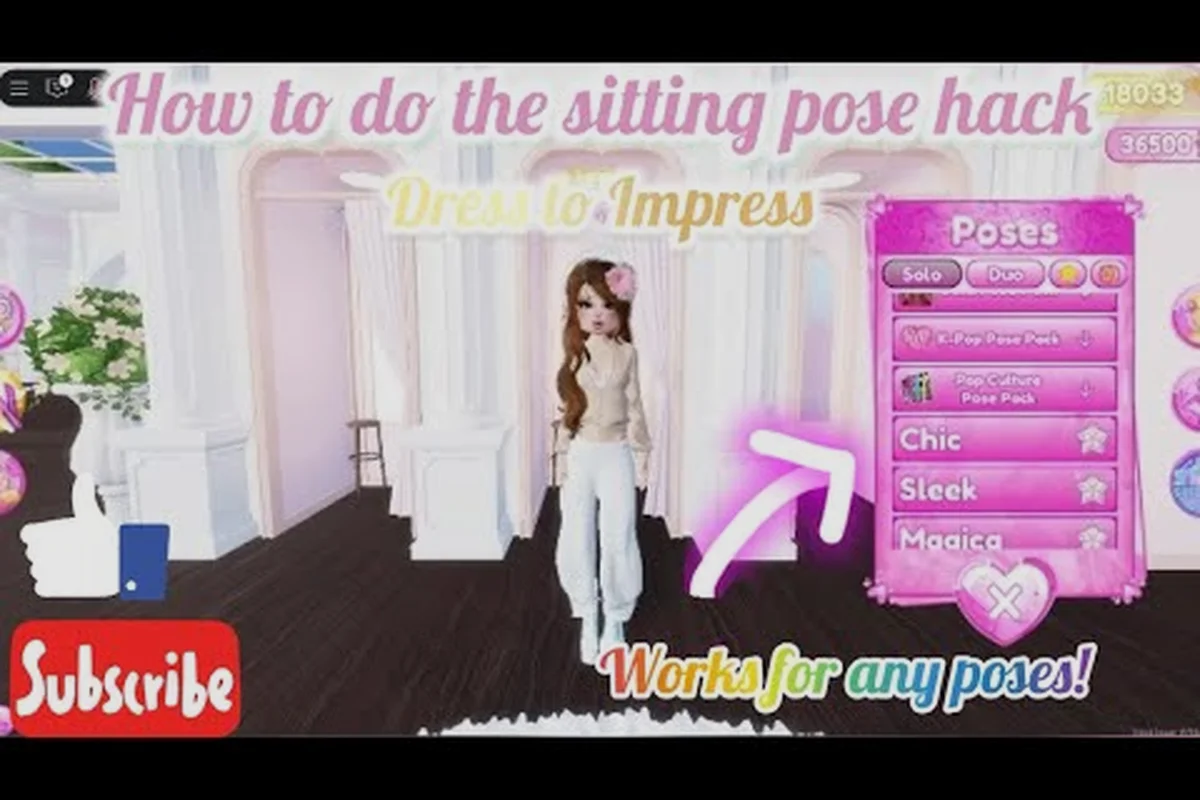
Posing in Dress To Impress is the single most underrated factor that decides whether your look lands a podium finish or fades into the background of a packed runway. Players who spend hours crafting the perfect outfit still lose votes because their model walks the stage with a stiff, default posture that hides their silhouettes. The good news is that posing is a learnable skill, and once you understand the toggle system, the layering trick, and the pattern swap workflow, your model can command the runway in any theme round.
Understanding the Pose System and Why It Matters
Dress To Impress ships with a robust pose wheel that lets your model strike, lounge, wave, and strut through every theme round. Most beginners open the wheel, pick the first frame that "looks okay," and call it done. Veteran players treat posing as a separate build phase that happens after the outfit is locked. The order matters: build the silhouette first, swap patterns, then choose a pose that frames the strongest piece of your look.
How the Pose Wheel Works
The pose wheel is split into four quadrants, each tied to a different body mechanic. Strike poses dominate the top half of the wheel and work best for fierce, high-energy themes like "CEO" or "Rockstar." Lounge poses sit on the bottom and amplify softer themes such as "Cozy" or "Date Night." Strut poses run along the right edge and replicate a catwalk walk, which the runway judges reward during movement-based scoring windows. Static poses sit on the left edge and freeze the model in place, perfect for screenshot bait on the podium.
| Pose Quadrant | Best For | Vote Impact | Risk |
|---|---|---|---|
| Strike | Fierce themes, armor, streetwear | High when paired with a strong silhouette | Can look aggressive on soft themes |
| Lounge | Cozy, bedtime, beach themes | Medium, very theme-dependent | Loses points on movement rounds |
| Strut | Runway walk, formal, gala | High during movement scoring | Hard to layer accessories around |
| Static | Cosplay, themed characters, props | Medium, very niche | Static can read as "afk" to voters |
Players who rotate between quadrants based on the active theme consistently outscore players who stick to a single pose family. The wheel is also where body toggles live, which is why a strong grasp of body customization in the male body guide workflow is essential before you start posing.
Why Posing Influences Voting
Runway voters scan models in under three seconds, and a strong pose communicates the theme before any clothing detail registers. A "Ballerina" theme with a stiff standing pose reads as confused; the same outfit in a pointed-toe lounge pose instantly sells the character. Community testing on the public servers shows that pose swaps alone, with no outfit change, can shift final placement by two to three ranks during close rounds. That swing is the difference between 50 Robux and 500 Robux in prize rooms.
Mastering Body Toggles for a Stronger Silhouette
Body toggles are the hidden layer of the Dress To Impress system that turns a flat, default avatar into a model that fits the theme. Toggles adjust shoulder width, hip flare, torso length, and limb thickness, and they stack on top of every outfit piece. Most beginners never touch them because the toggle menu hides behind a small icon next to the body selector, but the difference is visible in every round.
Core Toggle Categories
| Toggle | Effect | Best Paired With |
|---|---|---|
| Shoulder Width | Broadens or narrows the upper body | Power suits, armor, streetwear |
| Hip Flare | Adds curve to the lower body | Gowns, skirts, fitted trousers |
| Torso Length | Stretches or compresses the mid section | Crop tops, long coats, layered looks |
| Limb Thickness | Beefs up or slims down arms and legs | Athletic wear, cosplay, fantasy |
| Height Offset | Adds or subtracts platform height | Heel-heavy themes, monster themes |
Veteran players build a "toggle preset" for each theme family so they can swap body frames in a single click during a fast round. The presets are stored locally and do not require a VIP pass, which makes the system one of the strongest free advantages in the game.
Toggle Mistakes That Cost Votes
The single biggest mistake is leaving the limb thickness slider on default when wearing a fitted suit. The default frame adds a subtle cartoon thickness that fights the suit's tailored lines, and voters sense the mismatch even when they cannot name it. Another common miss is hip flare on a male body: most players assume hip toggles only affect feminine frames, but the slider still adjusts the lower silhouette on every body, and a small flare can make a suit jacket drape more naturally across the waist. Skipping height offset during heel themes is the third silent vote leak because the shoes look like they float above the floor.
A more subtle mistake is over-toggling. Cranking every slider to the max creates a model that looks distorted on the runway, and the distortion pulls focus away from the outfit. The sweet spot is two to three toggles per look, each chosen to support a specific garment rather than to change the model for its own sake.
Layering Pieces for a Pose-Ready Outfit
Layering is the bridge between a flat outfit and a runway-ready look. The layering system in Dress To Impress lets you stack tops, jackets, accessories, and props on independent slots, and each slot responds to the pose wheel independently. That independence is the key: a jacket hem can sway during a strut while the top underneath stays still, which creates the kind of cloth physics that voters reward.
The Layering Stack Order
Dress To Impress reads the layer stack from the inside out, and the order changes how the model reads at a distance. Start with the base layer (underwear, bodysuit, or undershirt), then add the silhouette layer (the garment that defines the shape — dress, suit, jacket), then the accent layer (vest, belt, scarf), and finally the prop layer (bag, weapon, pet, or handheld item). The deeper the layer, the more it drives the silhouette, so a strong base layer is the foundation of every vote-winning look.
| Layer Slot | Drives | Example Pieces | Posing Tip |
|---|---|---|---|
| Base | Skin coverage, comfort | Undershirt, leggings, swimwear | Choose breathable fabrics for lounge poses |
| Silhouette | Outline, theme core | Dress, suit, coat, armor | Match silhouette to pose quadrant |
| Accent | Texture, color pop | Vest, sash, jewelry | Accents sway during strut poses |
| Prop | Theme signal, story | Bag, weapon, pet, prop | Prop grip changes with hand poses |
Players who reverse this order — putting the prop on the base layer and the silhouette on top — constantly complain that their outfit looks "off" no matter how much they tweak. Reversing the stack breaks how the model reads from the catwalk distance, because the prop overwhelms the silhouette.
Cross-Link: Layering Ties into Makeup
The layering principle extends to the face. Players who have spent time on Dress To Impress makeup layering already know that stacked eye shadow, blush, and lip color create depth that a single flat layer cannot match. The same idea applies to clothing: one heavy silhouette piece looks like a costume, while a stacked layering tells a story. Combining a strong face frame with a strong clothing frame is the fastest path to a podium finish.
Layering for Specific Poses
Strike poses amplify shoulder and arm layers, so a cape, poncho, or wide sleeve reads dramatically. Lounge poses reward soft, draping layers — long cardigans, flowing skirts, and scarves that fold naturally. Strut poses favor mid-length layers that move with the walk; a floor-length gown works, but a tea-length skirt lets the legs stay visible during the stride. Static poses are the only quadrant where heavy prop layers pay off, because the model is frozen and the prop has time to register on camera.
Swapping Patterns and Textures for Visual Punch
Patterns and textures are the final vote swing in any close round. Dress To Impress ships with a pattern swap system that lets you apply community codes, seasonal event patterns, and creator-made textures to almost every garment slot. The system reads the pattern from a small grid next to each item, and most players ignore it because the default textures look acceptable on their own. The pattern slot is where the look goes from "fine" to "unforgettable."
Pattern Swap Workflow
-
Open the Customize menu and select a garment slot.
-
Click the Pattern icon (a small checkerboard) next to the color picker.
-
Paste a community pattern code, browse the seasonal library, or upload your own PNG.
-
Adjust the Pattern Scale slider to fit the garment surface.
-
Toggle Pattern Rotation to align the texture with the body axis.
-
Save the look to a preset so you can reuse the pattern in future rounds.
| Pattern Type | Source | Cost | Best For |
|---|---|---|---|
| Default Library | Built-in | Free | First-time players, practice rounds |
| Seasonal Event | Limited time | Free during event | Holiday, Halloween, anniversary themes |
| Community Code | Player-shared | Free with code | Themed cosplay, niche aesthetics |
| Custom Upload | Player-made | Free (VIP required for some slots) | Original designs, content creator looks |
The pattern workflow pairs naturally with gamepass and VIP content, because some pattern slots are reserved for VIP holders. Free players still have access to the default library and any active seasonal patterns, which is more than enough to win most public rounds.
Pattern Scale and Theme Clash Errors
Picking a pattern that fights the theme is the most common error. A loud anime print on a "Wedding Guest" theme reads as off-key, even if the cut and color are perfect. Another mistake is ignoring the Pattern Scale slider: a tiny pattern on a large jacket surface looks like noise, while an oversized pattern on a small bag looks like a paint splotch. Match the scale to the garment size for the cleanest result.
A third trap is forgetting that the pattern shifts during posing. Strike poses compress the silhouette, which can crop or fold the pattern in awkward ways. Test the pattern during a quick strut before saving the preset, because a pattern that looks clean on a static avatar can warp into a stretched mess during the runway walk.
Pose Combos, Runway Strategy, and Final Tips
The final piece of the puzzle is the runway strategy itself. Even a perfect outfit and a flawless pose can lose votes if the player does not understand how the runway judges score models. The judges reward theme accuracy, silhouette clarity, and pose confidence, in that order, and each of those three pillars is something a player can control directly.
Catching the Theme Before Styling Begins
The theme appears in the top banner as soon as the round starts, and the strongest players read it in the first two seconds. They then build a mental checklist: silhouette fit, color palette, pose quadrant, and pattern tone. By the time the dressing timer starts, the experienced player already has a pose quadrant in mind, which saves minutes of indecision during the build phase. Players who pick the outfit first and the pose second often default to the safe standing pose because the outfit does not match the quadrant they need.
Common Pose-to-Theme Pairings
| Theme | Recommended Pose Quadrant | Toggle Combo | Layering Tip |
|---|---|---|---|
| CEO / Boss | Strike | Broad shoulders, slim hips | Tailored suit with a long coat |
| Cozy / Bedtime | Lounge | Soft shoulders, slight hip flare | Cardigan, socks, mug prop |
| Rockstar / Punk | Strike + Strut mix | Strong shoulders, slim waist | Leather jacket, ripped jeans, guitar |
| Ballerina / Dance | Lounge + Strut mix | Tall frame, narrow shoulders | Tutu, pointe shoes, ribbon prop |
| Beach / Pool | Static | Average frame, slight height | Swimsuit, sunhat, towel prop |
| Sci-Fi / Futuristic | Strike | Tall frame, broad shoulders | Armor plates, glowing accents, visor prop |
The pairings are not hard rules, and creative players often subvert them for comedic effect, which can win votes in casual public rounds. In competitive prize rooms, however, the table above is a strong baseline that most podium winners follow.
Saving and Reusing Poses
Once a player has built a strong pose-to-theme pairing, the next step is saving the combination as a preset. The preset system stores body toggles, garment slots, color choices, pattern codes, and pose quadrant, which means a single click can rebuild an entire look. Players who save at least three theme presets (one for fierce themes, one for soft themes, one for movement themes) can compete in any round without scrambling to rebuild from scratch. The preset system also speeds up entry into the runway voting system, because the model arrives on stage fully formed instead of mid-edit.
Final Mindset Shifts
Posing is not a single button press; it is a system of decisions that starts the moment the theme appears. Treat body toggles as part of the outfit, treat patterns as part of the silhouette, and treat the runway as a stage that rewards confidence. The players who win the most votes are not the ones with the most expensive items; they are the ones who frame every garment in a pose that tells the theme story in under three seconds.
Frequently Asked Questions
How do I unlock more poses in the pose wheel?
The base pose wheel is unlocked from the first round you join, and the wheel expands automatically as you level up your account. Each new level adds a small set of strike, lounge, and strut variants. Some seasonal poses are tied to limited-time events, while a separate batch of signature poses is reserved for VIP members. Free players can still access a wide enough variety to compete in every public theme by combining default poses with body toggles and pattern swaps.
Does the male body guide change how I should pose?
Yes, the male body guide in Dress To Impress has slightly different proportions that affect how layers drape during a strut. Broader shoulders look best with strike poses, while slimmer frames favor lounge and static quadrants. The hip and torso toggles also read differently, so a preset tuned for the female body may look awkward on the male frame. Always test a preset on the active body before saving it.
Can I stack patterns from different codes on one garment?
The pattern system only allows one code per garment slot, but you can stack patterns across layers. A patterned jacket over a patterned shirt works as long as the scales and tones do not fight each other. Keep one layer bold and the other muted for the cleanest result, and remember that the prop layer cannot carry a custom pattern on free accounts.
Do toggles reset every round or persist between rounds?
Toggles reset to the default frame at the start of every new round, which is why preset saving is so important. A saved preset restores your full toggle setup along with the outfit, so you never have to rebuild from scratch. Players who skip the preset step often lose valuable dressing time rebuilding the same body frame every round.
What is the fastest way to learn the layering system?
Practice on a private server first, where the timer is more relaxed and you can experiment without losing rank points. Build three layered looks from scratch — one formal, one casual, one fantasy — and save each as a preset. Once the muscle memory is in place, the public rounds feel much faster, and you can focus on theme matching instead of basic layer order.