
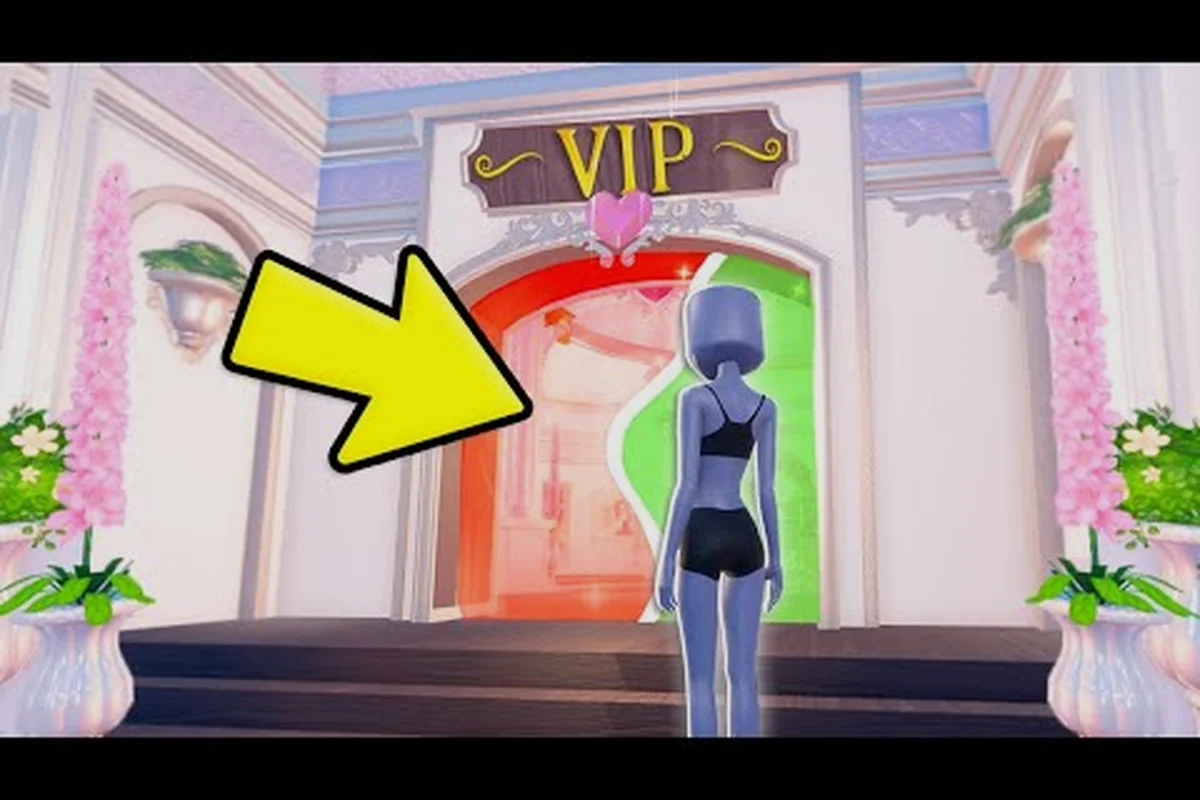
The Dress To Impress VIP room sits at the center of the game's premium experience, giving paying players access to private servers, custom beauty tools, and exclusive fashion items that free players simply cannot reach. If you have ever wondered what actually changes when you upgrade, this guide breaks down every perk tied to the VIP room, the gamepasses that unlock its custom makeup and pattern tools, and how nail polish options fit into the broader premium tier.
What the Dress To Impress VIP Room Actually Includes
The VIP room in Dress To Impress is a private backstage hub where premium members access tools and items that the default lobby does not expose. According to community data shared across Roblox group posts, the VIP room bundles several cosmetic systems into one membership, and it also acts as the entry point to the private VIP server environment. When you teleport in, you typically find a private dressing area, exclusive mannequins, and toggles for the premium beauty passes.
Core Perks Inside the VIP Room
Most players who subscribe or purchase the VIP gamepass report the same baseline perks once they step into the VIP room. The table below summarizes the core features consistently mentioned by community sources.
| Perk | What It Does | Who Can Use It |
|---|---|---|
| Private VIP server access | Spawns a personal server with no random players | VIP gamepass holders |
| Custom makeup tool | Opens a full-face editor for eyeshadow, blush, and lips | Custom makeup gamepass |
| Custom pattern upload | Lets you import textures for outfits and accessories | Pattern gamepass holders |
| Nail polish editor | Unlocks per-finger color choices and patterns | Nail polish gamepass |
| Exclusive poses and emotes | Adds VIP-only runway stances | VIP members |
| Priority queue on busy servers | Loads VIP rooms faster during peak hours | VIP gamepass holders |
Why the VIP Room Matters for Runway Builds
Runway scoring in Dress To Impress evaluates outfits across theme fit, color coordination, and accessory detail. The VIP room gives you the editing depth to push each of those categories higher, because the custom tools let you fine-tune instead of relying on presets. Players running for top-three placements on the leaderboard almost always use custom makeup and pattern tools from the VIP room rather than the limited default palette.
How to Access the Dress To Impress VIP Server
The VIP server is the gateway to the VIP room, and the access flow differs slightly depending on whether you use a one-time VIP gamepass or a recurring Roblox Premium boost. Both paths are simple once you know where to look, but new players often miss the teleport button because it only appears inside the membership menu.
Step-by-Step Access Flow
| Step | Action | Notes |
|---|---|---|
| 1 | Open Dress To Impress on Roblox | Game must be fully loaded |
| 2 | Tap the shopping bag icon | Opens the gamepass store |
| 3 | Locate the VIP gamepass | Listed under "VIP" category |
| 4 | Purchase or activate | One-time R$ price, no subscription |
| 5 | Return to lobby | The VIP button now appears |
| 6 | Tap "Enter VIP Room" | Loads private server |
After purchase, the VIP room button stays in your menu permanently. Reported by players, the teleport sometimes fails during maintenance windows, and a quick rejoin usually fixes the issue. If the room does not load, players have found that waiting 30 seconds and retrying clears the soft lock that Roblox occasionally applies to private server teleports.
Dress To Impress Custom Makeup Gamepass and Price
The custom makeup gamepass is one of the most popular purchases in the game because it transforms a player's face from a preset selection into a fully editable canvas. Without this pass, your makeup options stay limited to the default face presets, and you cannot change eyeshadow, blush, or lip color independently across layers.
Custom Makeup Pass Feature vs Default
| Feature | Default Players | Custom Makeup Pass |
|---|---|---|
| Eyeshadow color | Preset only | Full color wheel + opacity |
| Blush placement | Fixed on cheeks | Draggable positioning |
| Lip color and shape | Preset | Full editor with gloss toggle |
| Eyelash style | 4 options | 12+ options plus length slider |
| Face layering order | Locked | Reorder any layer |
The dress to impress custom makeup price has shifted a few times since launch, but community reports and the in-game store both list the pass at around 199 R$, which sits in the mid-range of Roblox beauty passes. Players looking for more details on how custom makeup compares with VIP-only poses can check the Dress To Impress VIP glitch guide for screenshots showing the difference between the default face and a fully customized look.
Dress To Impress Custom Patterns and the Pattern Gamepass
The pattern gamepass unlocks one of the most powerful tools in the entire game: the ability to upload your own image textures and apply them to clothing, accessories, and even nail polish layers. This single pass is what turns Dress To Impress from a preset outfit picker into a genuinely creative platform where players can design custom patterns, brand logos, and original textile prints.
Pattern Gamepass Feature Comparison
| Capability | Default Players | Pattern Gamepass |
|---|---|---|
| Preset clothing patterns | Yes | Yes |
| Upload custom image | No | Yes, PNG or JPG |
| Tile and scale textures | No | Full slider control |
| Apply pattern to dress, top, bottom | Limited | All clothing slots |
| Apply pattern to nails | No | Yes, via nail editor |
| Save pattern to inventory | No | Yes, up to 50 slots |
How the Pattern Editor Works
Once inside the VIP room, the pattern editor opens as a side panel attached to the dress and accessory mannequins. You can drag any image from your device into the upload field, then position, scale, and tile it across the selected clothing slot. The system accepts transparent PNGs, which is how most players create logos, and it also supports tiled images for repeating prints.
According to community data, the pattern slots save per outfit, so you can switch between looks without re-uploading. If you want a step-by-step walkthrough of importing designs, the Dress To Impress VIP worth it guide includes a section on pattern codes that experienced designers share across community Discords.
Scoring Impact of the Nail Polish Pass
The nail polish gamepass is the smallest of the three beauty passes in terms of price, but it punches well above its weight in scoring impact. Runway judges in Dress To Impress score accessories in detail, and a coordinated nail polish that matches the outfit theme can push a build from silver to gold tier.
Nail Polish Features by Tier
| Feature | Free Players | Nail Polish Pass |
|---|---|---|
| Solid colors | 8 presets | Full color wheel |
| Per-finger color | No | Yes, all ten fingers |
| Pattern overlay | No | Yes, works with pattern gamepass |
| Gloss and matte finish | Gloss only | Toggle between finishes |
| Nail shape | 3 shapes | 6 shapes including stiletto |
Players who stack the nail polish gamepass with the custom makeup gamepass often build entire themed looks around small details, because the editors now coordinate at the color level. A deeper breakdown of nail polish combinations appears in the Dress To Impress nail polish guide, which catalogs the most popular color palettes by runway theme.
Choosing Between VIP, Custom Makeup, and Pattern Passes
Dress To Impress sells its premium features as separate gamepasses rather than one bundled package, which means players can pick the pass that matches their playstyle. The table below maps the most common player goals to the gamepass that delivers the best value.
| Player Goal | Best Gamepass | Why |
|---|---|---|
| Compete for top-3 on leaderboard | VIP + Custom Makeup | Theme detail and pose access |
| Design original outfits with custom art | Pattern gamepass | Texture upload is unmatched |
| Casual styling with detail | Nail Polish + Custom Makeup | Affordable combo, big visual lift |
| Full creative control | All three passes | Every editor unlocked |
| Just want a private server | VIP gamepass alone | No extra passes needed |
Stacking Gamepasses for Maximum Score
The three beauty passes do not interfere with one another, and stacking them unlocks cross-editor features. For example, the pattern gamepass lets you apply a custom texture to nails only if you also own the nail polish gamepass, because the nail editor is the surface that accepts the pattern. This stacking mechanic is why top scorers usually own all three passes plus the VIP gamepass.
Players comparing the VIP gamepass with the full beauty bundle often find that the VIP room serves as the canvas while the custom passes provide the paint. A more detailed cost-vs-value breakdown for the full bundle is covered in the Dress To Impress best gamepass guide, which ranks each pass by impact per Robux spent.
Tips for New VIP Room Players
Joining the VIP room for the first time can feel overwhelming because every editor opens at once. These tips come from players who spent their first week inside the VIP room and figured out which tools matter most.
-
Start with the face editor before outfits. Custom makeup shapes the entire face, and locking in your base look first helps you coordinate clothing colors afterward.
-
Save pattern uploads in a dedicated folder. Keeping PNGs ready on your device means you can swap prints in seconds during a runway theme that demands a quick change.
-
Test nail polish shapes with the outfit's hemline. Stiletto nails pair better with sharp silhouettes, while round nails soften flowing dresses, so the shape choice should follow the theme.
-
Use the private server for screenshots. The VIP room has no random players walking through your frame, which makes it the cleanest place to capture runway shots.
-
Re-enter the VIP room after each update. New items drop inside the VIP room first, and reloading ensures your game has pulled the latest catalog.
Frequently Asked Questions
What is the Dress To Impress VIP room?
The VIP room is a private backstage hub that VIP gamepass holders enter to access exclusive poses, premium beauty editors, and the private server environment. It includes the custom makeup, pattern, and nail polish editors that are otherwise locked behind separate gamepasses.
How much does the custom makeup gamepass cost in Dress To Impress?
The custom makeup gamepass is listed in the in-game store at around 199 R$, placing it in the mid-range of Roblox beauty passes. Prices can vary by region and promotional events, so check the store page for the current rate before purchasing.
Can I use custom patterns without the pattern gamepass?
No, custom pattern uploads require the pattern gamepass because the upload tool only renders inside the VIP room. Free players can still use preset clothing patterns from the default catalog, but they cannot import their own textures or tile custom images onto outfits.
Does the nail polish gamepass work with the pattern gamepass?
Yes, the two passes stack, and owning both unlocks the ability to apply uploaded patterns to nail polish layers. This combination is popular among top scorers because it lets the nails match the outfit print for a fully coordinated runway look.
Is the VIP server the same as the VIP room?
They are closely linked but technically different layers of access. The VIP server is the private Roblox server instance you spawn into after purchasing the VIP gamepass, and the VIP room is the backstage area inside that server where the premium editors and exclusive items are stored.